
1) Login to your Dashboard and click on Services.
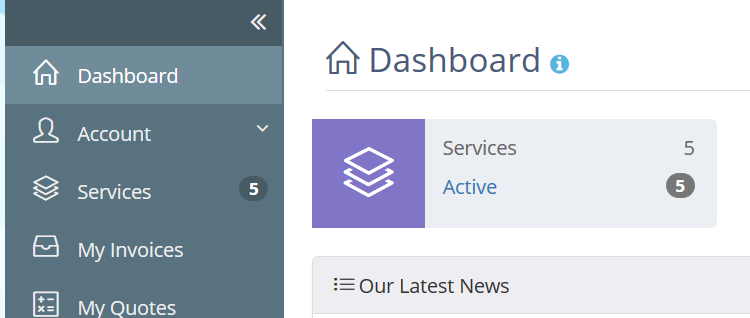
2) Find your SSL certificte and click on "View Details".

3) Click on "Generate Cert Now".
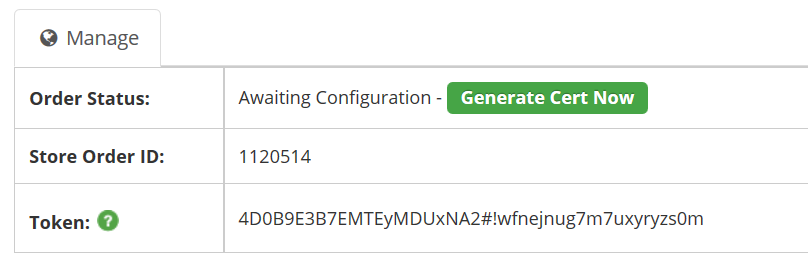
4) Before you go any further login to your control panel and find "SSL Certificates". The following is what this looks like on Plesk.
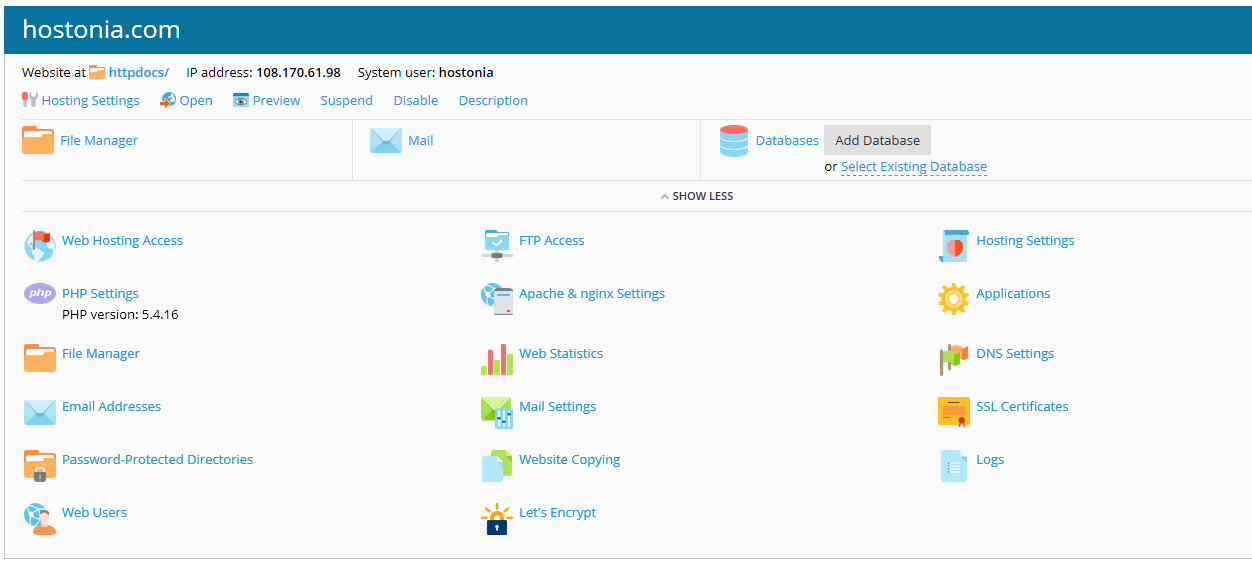
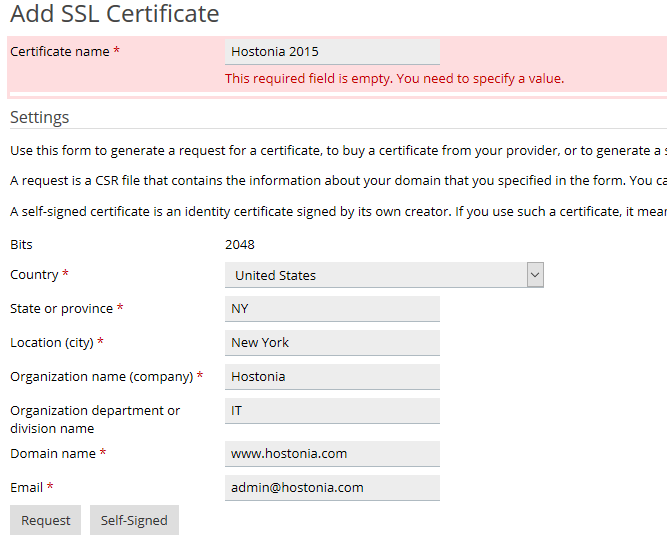
5) Click on "Add SSL Certificate".
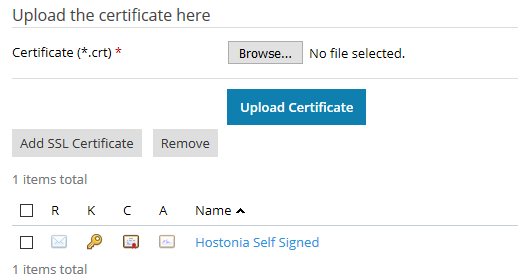
6) Fill out the form and click "Request".
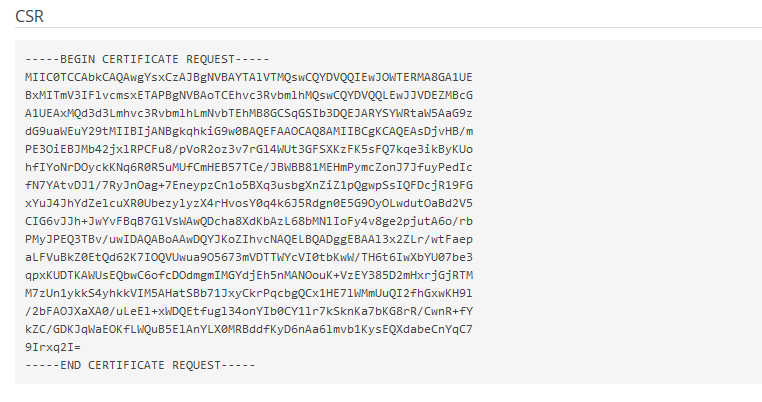
7) Now click on your new certificate and scroll down to find the CSR.
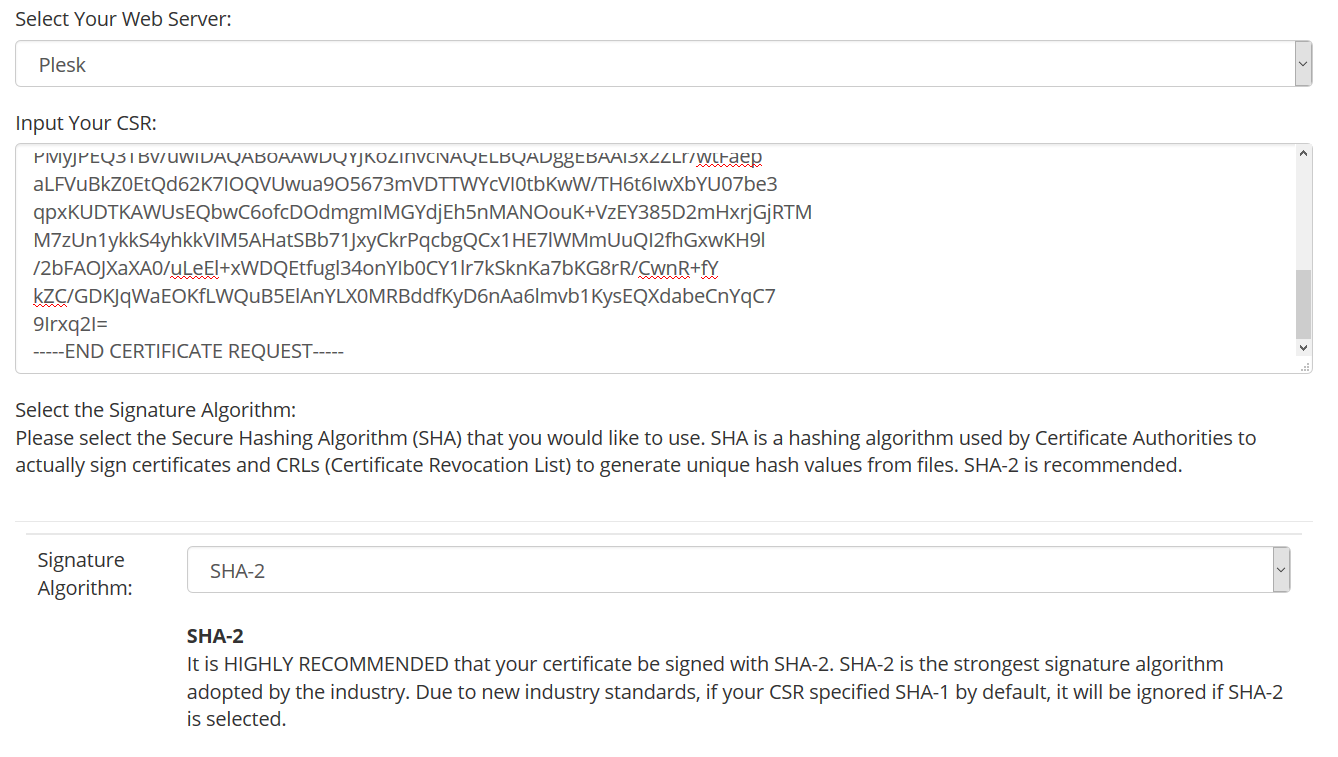
8) Back in your Dashboard select Plesk or Cpanel from the dropdown under "Select Your Web Server", paste in your CSR and select SHA-2.
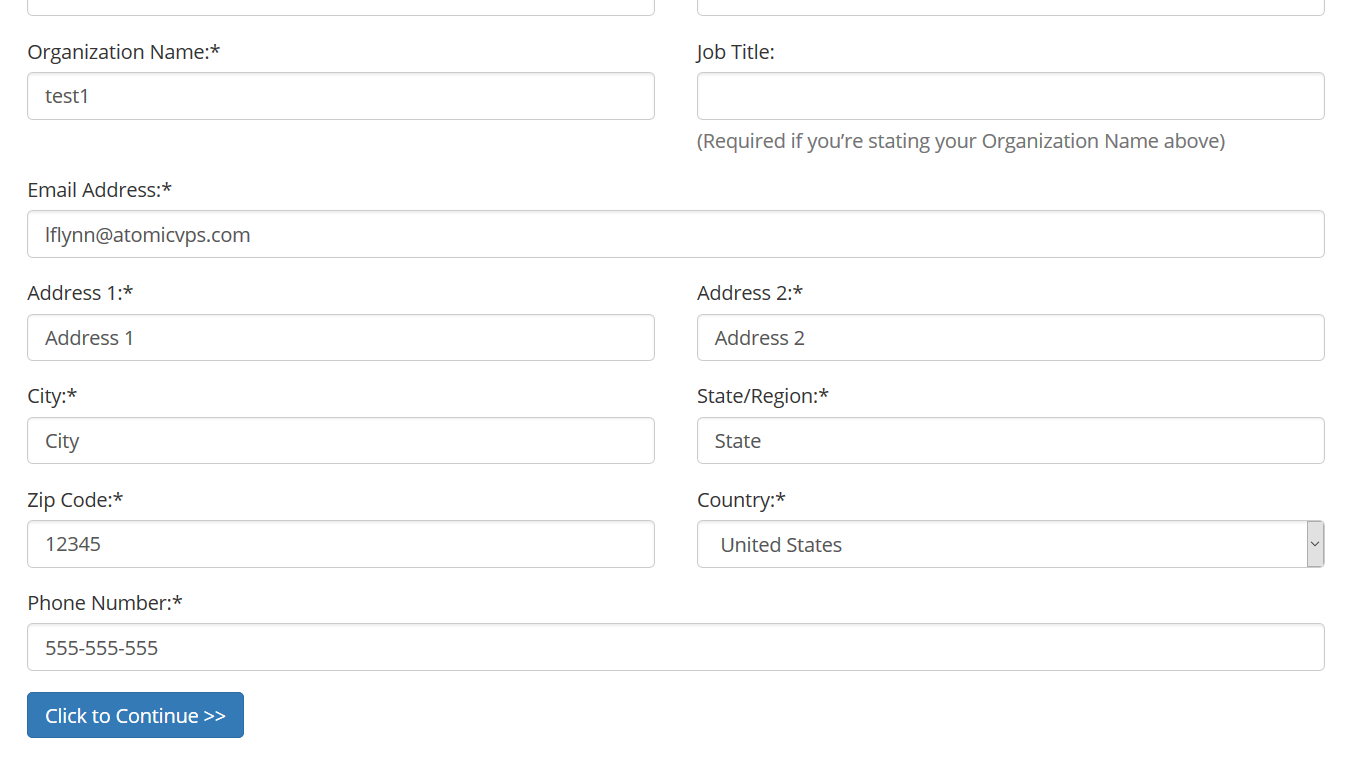
9) Fill out the rest of the form and "Click to Continue".
10) Choose how you will validate your domain. Creating one of the listed email addresses is an easy way to do this.
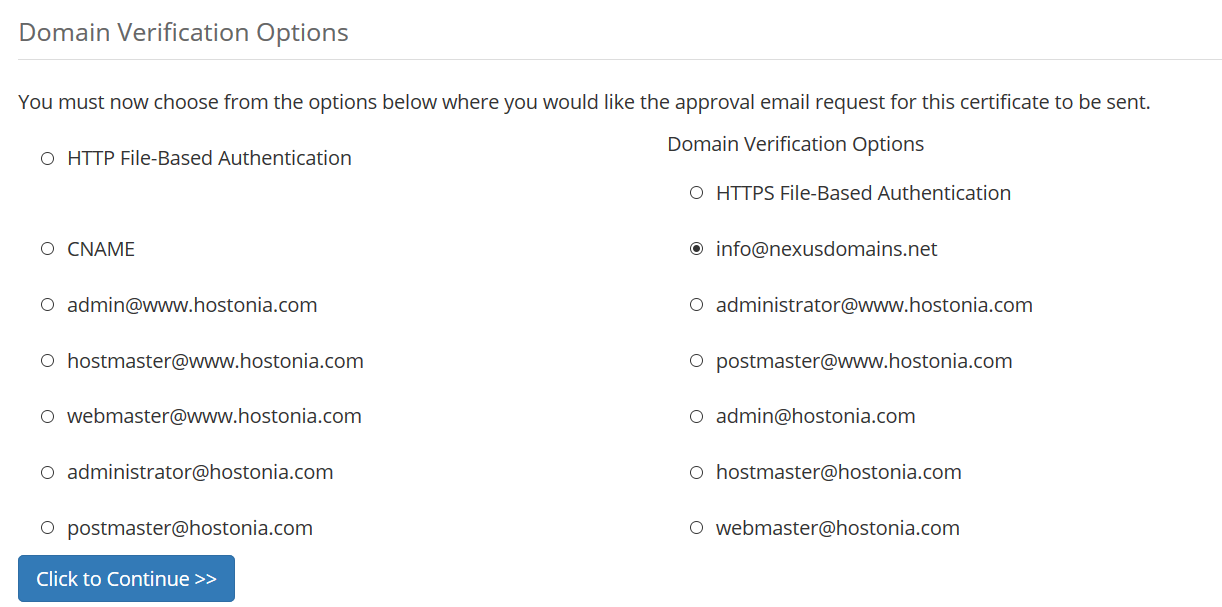
11) You will now receive an email containing a link you'll need to click to validate you control the domain. Once this is done the SSL certificate will be mailed to you. Go back to your SSL certificate list, click on your SSL certificate and upload your certificate.
12) The final task is to activate the SSL certrificate. In Plesk under Websites & Domains find "Hosting Settings".
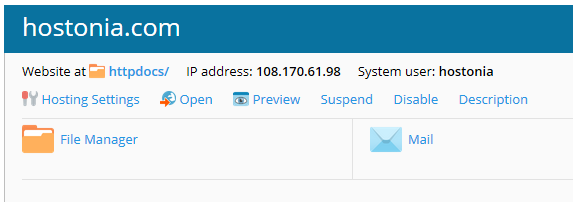
13) Now all you need to do is select your certificate from the dropdown menu and click OK at the bottom and your certificate will be active.

