

Simply login to Plesk or Cpanel and find AutoInstallSSL. On Plesk it is on the top right of your control panel.
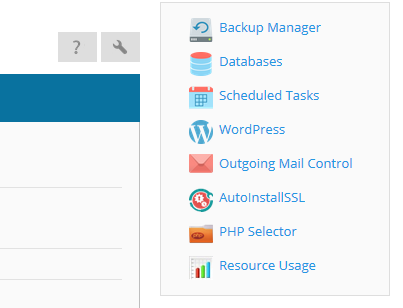
Click on this and you'll see a field to enter your token.
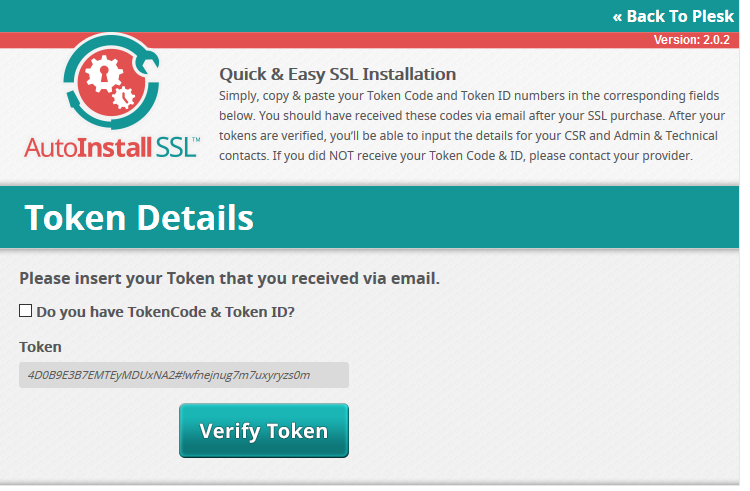
Enter your token and fill out the form on the next page and enter your domain name and the program will then do all the configuring and validation for you and install your SSL certificate. If the process stops at any point please contact our support department for assistance.
